Research-checked Last researched: 30 October 2026
Carrier unlock: the official route
By the iphonefix.us editorial team · Research-based, last researched 30 October 2026.
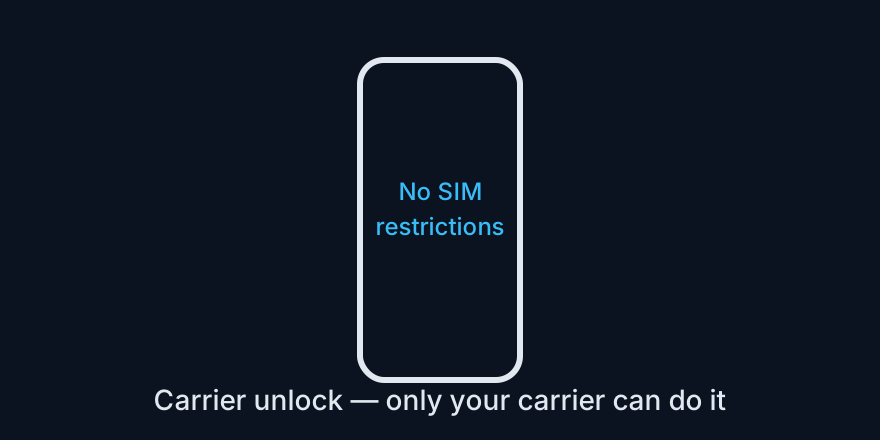
Short answer: only the carrier that locked your iPhone can unlock it. The carrier updates Apple's activation database, and your phone then shows “No SIM restrictions.” Apple does not do carrier unlocks, and iPhones do not use user-entered unlock codes.
First, check what lock you actually have
Go to Settings > General > About > Carrier Lock. If it says “No SIM restrictions,” your phone is already carrier-unlocked — do not pay anyone to unlock it. If it names a carrier, that carrier is the only one who can remove the restriction.
Carrier lock is not Activation Lock. A phone can be carrier-unlocked and still Activation-Locked to an Apple Account, or vice versa. Do not confuse the two, and do not buy a tool that promises to fix both at once.
Eligibility: what carriers usually require
- The device is paid off, with no outstanding financing.
- The account is in good standing, with no unpaid bills or fraud flags.
- The device is not reported lost or stolen.
- A minimum time on the network has passed — this varies by carrier and plan (commonly around 40–60 days for major US carriers; prepaid rules differ and can be much longer).
Exact rules differ by carrier, country, and whether the line is postpaid, prepaid, or an MVNO. Always confirm with your carrier's own unlock policy page, not a reseller blog.
How to request it
- Find your IMEI in Settings > General > About, or by dialling *#06#.
- Contact the locking carrier — its official unlock portal, app, chat, or support line — and submit the IMEI with your account details.
- Wait for confirmation. Some carriers unlock automatically after the eligibility period; others need an explicit request and can take a few business days.
- Confirm the result: insert another carrier's SIM (or activate a new eSIM) and check that Carrier Lock now reads “No SIM restrictions.” If it has not changed, ask support to re-submit the IMEI rather than buying a third-party fix.
What to avoid
- Sites selling “iPhone unlock codes”: iPhones do not work that way. These sites typically resell carrier requests, fail, or disappear with your payment.
- Paid IMEI services for a phone you do not own: they cannot legitimately change carrier status, and they often target used-phone buyers who are already stuck.
- Software that claims to “unlock any carrier instantly”: treat it as a scam risk until the vendor shows a carrier-backed process — which, by definition, goes through the carrier anyway.
Related: Activation Lock is a separate lock · Check lock status before buying used
Example: the wrong SIM test
Say a phone is locked to one carrier and you insert another carrier's SIM. The phone shows SIM Not Supported. That is not a setting you can toggle, and it is not fixed by resetting the phone. Only the locking carrier can change the status on Apple's activation servers, after which the phone shows No SIM restrictions.
Tip: Check Settings, General, About, Carrier Lock before you buy or travel. “No SIM restrictions” is the only answer that means the phone is truly unlocked.
Frequently asked questions
Who can unlock an iPhone from its carrier?
Only the carrier that locked it. Apple does not do carrier unlocks.
How do I check if my iPhone is carrier-locked?
Go to Settings, General, About, and read Carrier Lock. No SIM restrictions means it is already unlocked.
Do iPhone unlock codes work?
No. iPhones do not use user-entered unlock codes, so sites selling codes should be treated as a scam risk.